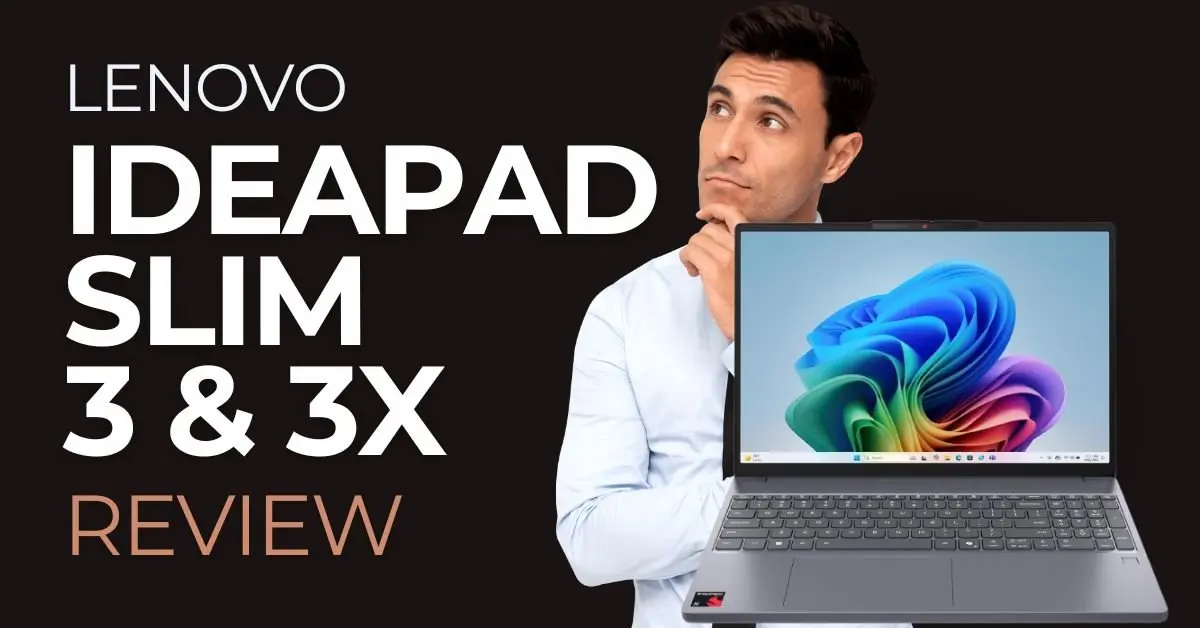

The Lenovo IdeaPad Slim series is far from new. It’s a laptop family that has been around for years and has steadily evolved generation after generation.
In 2025, Lenovo reached the 10th generation of the IdeaPad Slim, but this year there’s something different — and potentially game-changing.
For the first time, Lenovo offers two very distinct versions of the same laptop: one powered by a traditional AMD Ryzen processor, and another built around the new Qualcomm Snapdragon X, based on ARM architecture (the same as Apple Chip for Mac devices).
Why does this matter? Because the Snapdragon version promises dramatically longer battery life, while still delivering performance that rivals high-end Intel and AMD CPUs. On paper, these two laptops look very similar. In practice, they target very different users.
So the real question becomes: performance or efficiency? Compatibility or endurance? Let’s find out which Lenovo IdeaPad Slim 3 is the right choice for you.
| Pro | Cons |
| Outstanding battery life on the 3X version | Many software incompatibilities on the 3X version |
| Touchscreen IPS display | Avarage build quality |
| Light and portable | |
| Fingerprint reader and backlit keyboard | |
| Great price/value |
Promotional links
Promotional links
Two Models, Two Philosophies
Although they share the same name and overall design, the Lenovo IdeaPad Slim 3 (AMD Ryzen) and the Lenovo IdeaPad Slim 3X (Snapdragon X) are built for different audiences.

The IdeaPad Slim 3 with AMD Ryzen 5 8540U is aimed at users who want a classic Windows laptop experience. It’s ideal for office work, multitasking, programming, photo editing, light video editing, and even some casual gaming. Thanks to its x86 architecture, it supports 100% of Windows software, including older programs, professional tools, and most games.
The IdeaPad Slim 3X, on the other hand, targets users who prioritize battery life, silence, and portability. It’s perfect for students, writers, office workers, and anyone who spends long days away from a power outlet. However, due to its ARM-based Snapdragon X processor, some applications — especially 3D software, advanced creative tools, and many games — may not run at all or may run with limitations.
In short:
- AMD version: more power, more compatibility, better gaming.
- Snapdragon version: exceptional battery life, great everyday performance, fewer compromises on mobility.
Design and Build Quality
From a design standpoint, Lenovo keeps things familiar — and that’s not a bad thing. Both IdeaPad Slim 3 models share the same clean, understated aesthetic that has become a trademark of the series. The chassis is made primarily of high-quality plastic, but it doesn't feel super solid. Typical of low/mid-tier laptops.
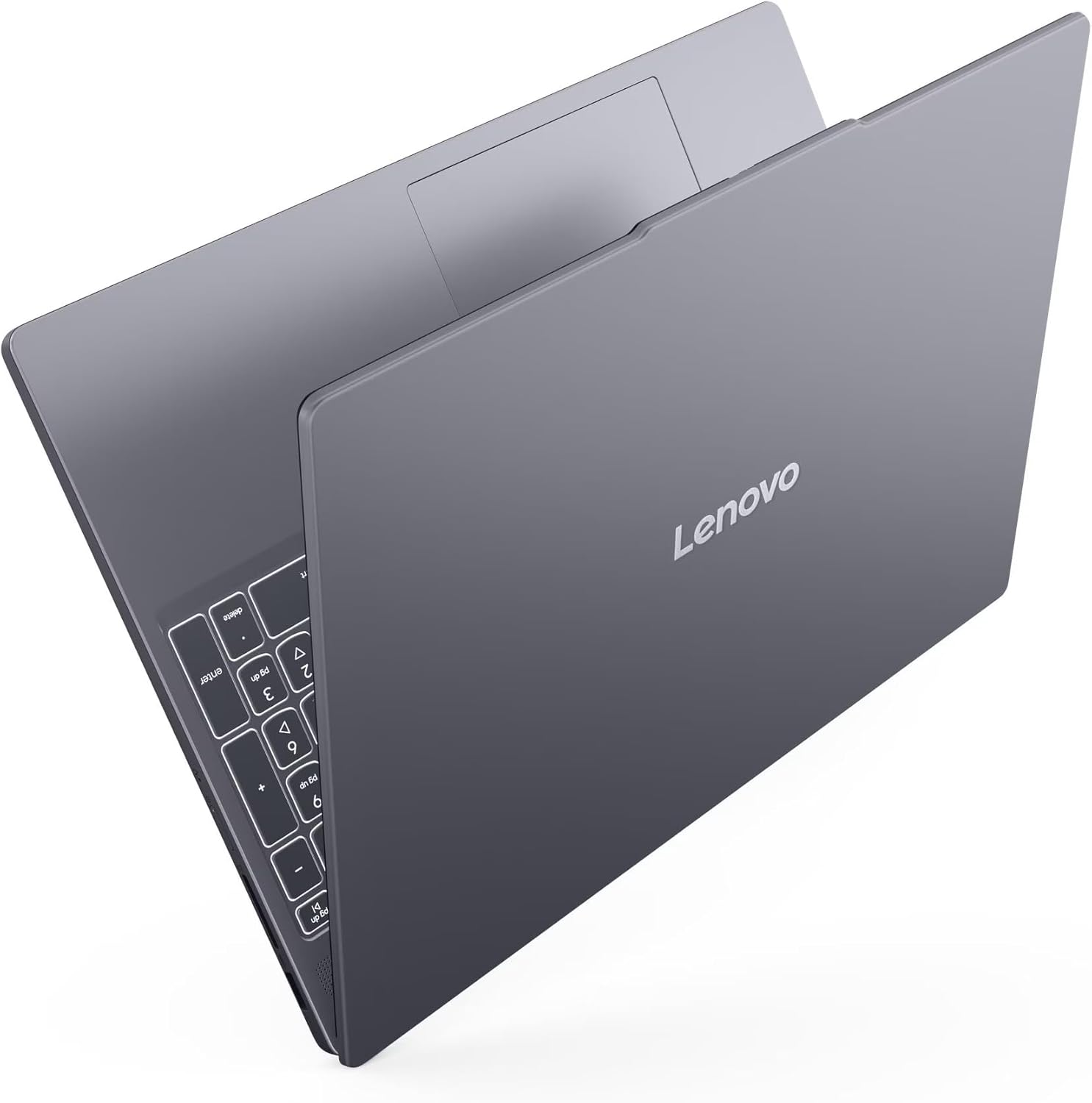
In daily use, the laptop feels light and well balanced, making it easy to carry in a backpack or briefcase. The slim profile lives up to its name, and the minimal branding gives it a professional look that fits equally well in an office, classroom, or home setup. While you won’t mistake it for an all-metal premium ultrabook, it certainly doesn’t feel cheap.
The hinge is firm and reliable, allowing the display to open smoothly with one hand while keeping it stable during typing. There’s very little screen wobble, which is especially noticeable when working on a desk or during long typing sessions.
Thermal management is also well handled. The AMD model can get warm under sustained load, such as heavy multitasking or light gaming, but it never becomes uncomfortable. The Snapdragon X model, thanks to its ARM efficiency, stays remarkably cool and almost silent, even during extended use.
Overall, the IdeaPad Slim 3 delivers a practical, durable, and comfortable design. It’s not flashy, but it’s built to be used every day — and that’s exactly what most people need.
Promotional links
Promotional links
Display and Audio
Both laptops feature a 15.3-inch WUXGA IPS touchscreen display with a resolution of 1920 × 1200 and a 60Hz refresh rate. WUXGA is slightly taller than standard Full HD (1920 × 1080), thanks to its 16:10 aspect ratio. This extra vertical space makes a real difference in productivity, allowing you to see more content when browsing the web, writing documents, or working with spreadsheets.

Compared to traditional Full HD panels, WUXGA feels more modern and better suited for multitasking. While it doesn’t reach the sharpness of 2.5K or 4K displays found on high-end laptops, it strikes an excellent balance between clarity, performance, and battery efficiency — especially important on the Snapdragon model.
The IPS technology ensures good viewing angles and accurate colors for everyday use. Colors are natural and consistent, making the display suitable for casual photo editing, media consumption, and office work. That said, this is not a professional-grade panel for color-critical work. Brightness is adequate for indoor use, but direct sunlight can be challenging.
When compared to lower-end laptops that still use TN panels or low-resolution displays, the IdeaPad Slim 3 clearly stands out. Against premium ultrabooks, however, it lacks higher refresh rates, HDR support, and ultra-high brightness levels.
The audio system consists of stereo speakers with Dolby Audio support. Sound quality is decent: voices are clear, mids are balanced, and volume is sufficient for watching videos, video calls, and casual listening. Bass is limited — as expected — but not worse than most laptops in this category.
Compared to entry-level laptops, the audio is noticeably better. Compared to premium devices like MacBooks or high-end Windows ultrabooks, it falls short in depth and richness. Headphones or external speakers are still recommended for music and movies, but for everyday use, the built-in speakers do the job well.
Keyboard, Touchpad and Ports
Typing on the IdeaPad Slim 3 is a pleasant experience. The full-size, backlit keyboard offers good key travel and a comfortable layout, making it suitable for long writing sessions or workdays filled with emails and documents. The keys feel responsive without being noisy, which is ideal in shared environments.

The backlighting is evenly distributed and extremely useful when working at night or in low-light conditions. Lenovo has also included a fingerprint reader, integrated into the power button, allowing for fast and secure logins. It works reliably and adds a premium touch to the experience.
The touchpad is large, supports all Windows gestures smoothly, but it's not very comfortable in longer sessions. We recommend to buy a mouse.
Port selection is practical and versatile, offering USB-A ports, USB-C, HDMI, and a headphone jack — enough for most users without relying on dongles.
Ports:
- x2 USB 3.2 Type A
- x1 HDMI 1.4
- x1 USB 3.2 Type C
- x1 combo audio jack
- x1 SD card reader

Specs and Performance
Both laptops come with 16 GB of RAM, which is now considered the standard for professional and gaming use. This amount of memory ensures smooth multitasking, system stability, and long-term usability. For everyday tasks and work applications, 16 GB will remain sufficient for years to come.
The AMD Ryzen 5 8540U is a powerful and efficient x86 processor that delivers excellent performance in productivity tasks, creative software, and even some gaming. It competes directly with — and often outperforms — Intel Core i7 13th-generation CPUs in multi-core workloads.
The Qualcomm Snapdragon X-X126100 is equally impressive in raw performance, especially considering its power efficiency. In many benchmarks, it also rivals Intel Core i7 13th gen CPUs. However, its ARM architecture introduces compatibility limitations. Some games, 3D software, and applications with advanced anti-cheat systems simply don’t work.
Storage is fast on both models thanks to PCIe SSDs. The AMD version includes 1 TB, ideal for large projects, games, and media libraries. The Snapdragon model’s 512 GB is sufficient for everyday use but may feel limiting long-term. Fortunately, this can be easily solved with an external hard drive at a relatively low cost.
Both the AMD Ryzen 5 8540U and the Qualcomm Snapdragon X X1-26-100 are excellent CPUs, but compatibility limitations make the Snapdragon model better suited mainly for everyday tasks.
| Specification | IdeaPad Slim 3 | IdeaPad Slim 3X |
| CPU | AMD Ryzen 5 8540U | Qualcomm Snapdragon X-X126100 |
| Display | WUXGA IPS 15.3” touchscreen 1920 x 1200 | WUXGA IPS 15.3” touchscreen 1920 x 1200 |
| RAM | 16 GB DDR5 | 16 GB LPDDR5 |
| Storage | 1 TB PCIe SSD | 512 GB PCIe SSD |
| OS | Windows 11 Pro | Windows 11 Home |
Battery Life
Battery life is where the Snapdragon model truly shines. The AMD Ryzen version offers solid endurance, typically lasting 7–9 hours of mixed use. This is respectable but expected for an x86 laptop.
The Snapdragon X version, thanks to its ARM architecture, can easily exceed 15–18 hours of real-world use. This puts it in the same category as Apple Silicon MacBooks. The efficiency is remarkable, allowing you to work all day — and more — without worrying about charging.
What About Gaming?
Gaming is where the difference becomes very clear.
The AMD Ryzen model can handle light gaming quite well. Titles like CS2, Fortnite, GTA V, Rocket League, and League of Legends are playable at low to medium settings, often reaching 40–60 FPS at 1080p. More demanding AAA games will require significant compromises, but casual gaming is absolutely possible.
The Snapdragon X model, instead, is not recommended for gaming. Many games don’t run due to ARM compatibility issues or anti-cheat systems. Even supported titles often perform inconsistently.
If gaming matters to you — even occasionally — the AMD model is the clear winner even though this laptop models, in general, are not meant for gaming.
Copilot+ and AI Features on the IdeaPad Slim 3X
One of the most important advantages of the Lenovo IdeaPad Slim 3X is its support for Copilot+ features, made possible by the Qualcomm Snapdragon X processor and its built-in NPU (Neural Processing Unit). Unlike traditional CPUs, the NPU is specifically designed to handle AI workloads efficiently and locally, without relying on the cloud.
Thanks to this hardware, the IdeaPad Slim 3X is part of Microsoft’s new Copilot+ PC category. This means tighter integration with Windows 11 AI features, faster response times, and lower power consumption when using AI-assisted tools. Copilot can help with everyday tasks such as summarizing documents, rewriting emails, generating text, answering questions, and assisting with productivity workflows directly within Windows.
It’s important to set expectations, however. Copilot+ features are primarily focused on productivity, creativity, and everyday assistance, not professional AI workloads or advanced content creation. For users who spend most of their time writing, researching, managing documents, or multitasking between apps, Copilot can genuinely enhance the experience. For power users running complex software pipelines, the benefits are more limited.
Overall, Copilot+ doesn’t replace traditional performance, but it complements the Snapdragon-based IdeaPad Slim 3X perfectly, reinforcing its identity as a smart, efficient, always-ready laptop for modern daily use.
So.. Which One Should You Choose?
The software compatibility limitations of the Snapdragon CPU make the IdeaPad Slim 3X less suitable for professionals and gamers; however, its outstanding battery life makes it an excellent choice for users who need a reliable machine for everyday office work and frequent travel.
Choose the Lenovo IdeaPad Slim 3 (AMD Ryzen) if:
- You need full Windows compatibility
- You use professional or creative software
- You want light gaming capability
- You need more internal storage
Choose the Lenovo IdeaPad Slim 3X (Snapdragon X) if:
- Battery life is your top priority
- You mainly use browser, Office, streaming, and basic apps (due to compatibility limitations with games and some programs)
- You value silence, efficiency, and portability
- You don’t rely on games or legacy software
- It includes Microsoft Copilot+PC features
Promotional links
Promotional links
Conclusion
The Lenovo IdeaPad Slim 3 series offers two excellent laptops that serve very different needs. The AMD Ryzen version is the most versatile choice, delivering strong performance, full Windows compatibility, better support for professional software, and light gaming capabilities. It’s the safer option for users who want power without limitations.
The IdeaPad Slim 3X with Snapdragon X prioritizes efficiency over raw versatility. Its exceptional battery life, silent operation, and Copilot+ features make it an excellent choice for everyday office tasks, students, and frequent travelers. That said, software compatibility still limits its appeal for gamers and power users. Windows on ARM is clearly moving in the right direction, but the ecosystem is still maturing and needs more time before it can fully replace traditional x86 platforms.
At the moment, Apple’s Macs remain the most complete and reliable implementation of ARM-based computing.